Dalmore 77 ID Verification: What Documents You Need and How to Submit Them
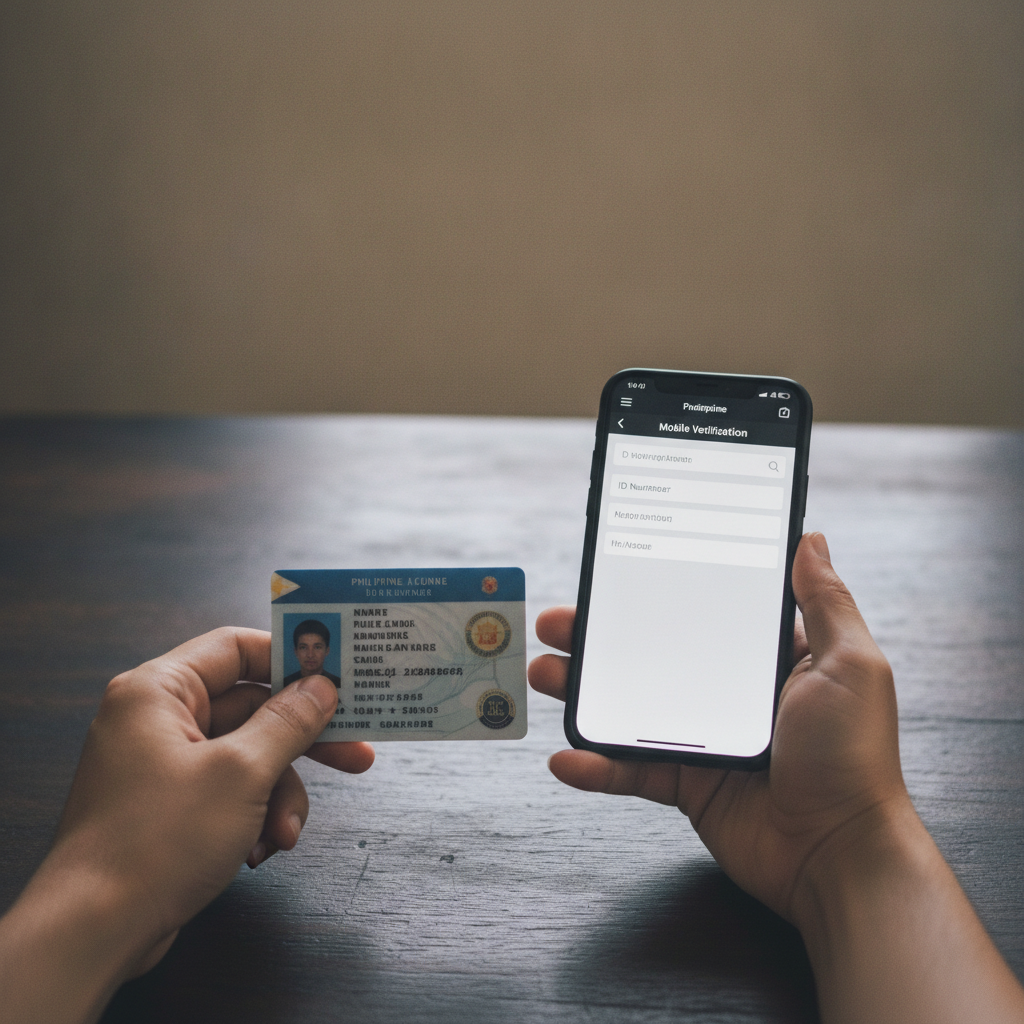
Dalmore 77 ID Verification: What Documents You Need and How to Submit Them
Before you can withdraw winnings or access the full range of games at Dalmore 77, the platform asks players to complete ID verification. This guide explains which Philippine documents are accepted, how to take and upload clear photos from your phone, and what to expect during the review process.
Age requirement: Dalmore 77 is for players aged 21 and over only. Please gamble responsibly and within your means.
Why Dalmore 77 Asks for ID Verification
Dalmore 77 requires identity verification to confirm that every player is at least 21 years old. This is a standard step across online casinos and sportsbooks operating in the Philippines.
After you complete the Dalmore 77 register process and log in for the first time, the platform will prompt you to submit a valid government-issued ID. Until verification is approved, you may be able to deposit and place bets, but you will not be able to request withdrawals to your GCash, Maya, or bank account.
ID verification also helps the platform confirm that the name on your account matches the name on your e-wallet or bank transfer, which makes deposits and payouts smoother.
Accepted Philippine IDs
Dalmore 77 accepts the following government-issued documents from Filipino players:
- Philippine driver's license – The plastic card issued by the Land Transportation Office (LTO). Both old-style paper licenses and the new card format are typically accepted, but the card version is preferred because it shows a clear photo and expiration date.
- Philippine passport – The biographical page that includes your photo, full name, date of birth, and passport number. Make sure your passport has not expired.
- Postal ID – Issued by PHLPost. This ID must be current and show your full name, photo, and date of birth.
- UMID (Unified Multi-Purpose ID) – Issued by the Social Security System (SSS). This is one of the most widely accepted Philippine IDs and works well for online verification.
Other IDs such as a company ID, barangay certificate, or voter's ID are usually not accepted because they do not always include a date of birth or meet the platform's security standards. Stick to one of the four national IDs listed above.
You only need to submit one valid ID to complete Dalmore 77 ID verification. If your first document is rejected or unclear, you can upload a different one.
How to Upload Clear Photos of Your ID on Mobile
Most Dalmore 77 players register and verify on Android phones. Follow these steps to take and submit a photo that will pass review quickly.
Step 1: Log in to your Dalmore 77 account
Open the Dalmore 77 site on your mobile browser or app. Tap Login, enter your username and password, then go to your account settings or profile page. Look for a menu labeled Verification, ID Upload, or KYC (Know Your Customer).
Step 2: Prepare your ID and find good lighting
Place your ID on a flat, dark surface—avoid busy patterns or reflective tables. Use natural daylight or a bright indoor light. Avoid using your phone's flash, because it can create glare that hides text or your photo.
Make sure the entire ID is visible in the frame, including all four corners. Do not crop or cover any part of the card.
Step 3: Take a clear photo
Hold your phone directly above the ID to avoid tilting or distortion. Tap to focus, then capture the image. Check the photo to confirm:
- All text is sharp and easy to read
- Your photo on the ID is clear
- There is no glare or shadow covering important details
- The expiration date is visible
If the image is blurry, too dark, or cut off, delete it and try again.
Step 4: Upload the photo
Return to the Dalmore 77 verification page. Tap Choose File or Upload Photo, select the image from your phone's gallery, and confirm. Some platforms ask you to upload the front and back of your ID separately; if so, repeat the process for both sides.
Double-check that the file is not too large. Most platforms accept JPG or PNG files up to 5 MB. If your photo file is too big, use a free image-compression app or website to reduce the size without losing quality.
Step 5: Submit and wait for review
After you upload, tap Submit. You should see a confirmation message or email. Keep your phone notifications on in case Dalmore 77 needs to contact you or request a new document.
How Long Verification Typically Takes
Dalmore 77 usually reviews ID submissions within 24 to 48 hours on business days. In some cases, approval can happen in as little as a few hours, especially if you upload during daytime hours Monday to Friday.
If you submit your ID late at night, over the weekend, or during a Philippine public holiday, expect the review to take a bit longer.
You will receive an email or in-app notification once your ID is approved. After approval, you can request withdrawals and access any account features that were previously locked.
What if your ID is rejected?
If Dalmore 77 rejects your document, the platform will usually tell you why:
- Image too blurry or dark – Retake the photo in better lighting.
- ID expired – Upload a current, valid document.
- Edges cut off – Make sure all four corners are visible in the frame.
- Wrong document type – Use one of the accepted IDs listed above.
Read the rejection notice carefully, fix the issue, and resubmit. There is no penalty for uploading a second or third time.
Responsible Gambling Note and What to Do While Waiting
While you wait for ID verification to finish, you can still explore the Dalmore 77 platform. Browse the slots library, watch live dealer tables, or check the PBA and NBA betting lines. You can also make your first deposit via GCash, Maya, or bank transfer if you have not done so already.
Reminder: Dalmore 77 is intended for players aged 21 and over. Only gamble with money you can afford to lose, and never chase losses. If you feel your play is becoming a problem, take a break or reach out to a responsible-gambling support service.
Typical first deposits on Dalmore 77 range from PHP 100 to PHP 500, and the platform supports small bets across slots, live casino, and sports. Set a budget before you start, and stick to it.
Once your ID is verified, you will be able to request withdrawals back to the same GCash, Maya, or bank account you used for deposits. Keep your account details consistent to avoid delays.
Final Checklist
Before you submit your Dalmore 77 ID verification, confirm:
- ✅ Your ID is one of the accepted types: driver's license, passport, postal ID, or UMID
- ✅ The document has not expired
- ✅ Your photo is clear, well-lit, and shows all four corners
- ✅ The file is in JPG or PNG format and under 5 MB
- ✅ You are logged in to your Dalmore 77 account
After you upload, check your email and account notifications over the next one to two days. If you run into trouble, look for a Help or Contact link on the Dalmore 77 site to reach customer support.
This guide is provided by an independent site to help Filipino players understand the Dalmore 77 register and verification process. Always read the platform's own terms and age requirements before creating an account or placing bets.