Making Your First Deposit on Dalmore 77 with Maya or Bank Transfer
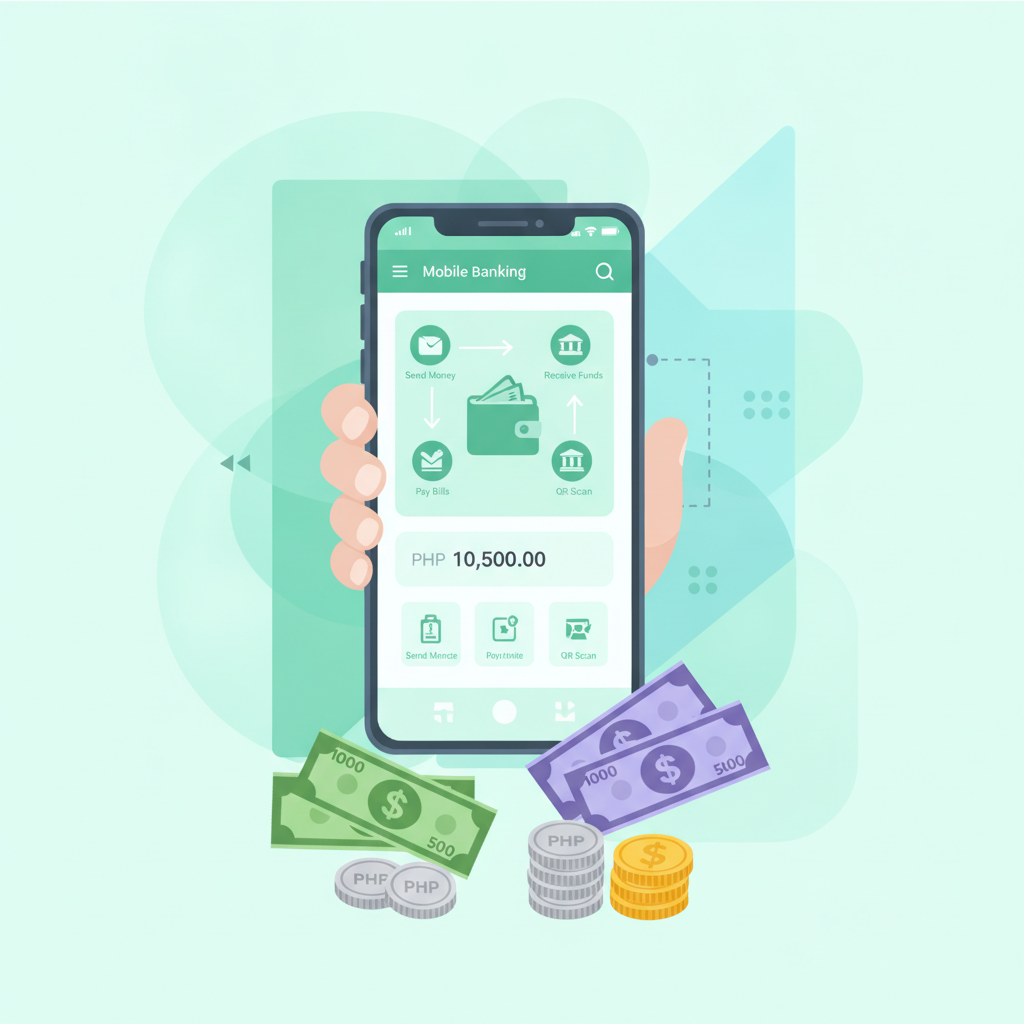
Deposit Options Beyond GCash: Maya E-Wallet, InstaPay, PESONet
Dalmore 77 gives Filipino players several ways to load their accounts. While GCash is popular, many people prefer Maya (formerly PayMaya) or direct bank transfers through InstaPay and PESONet. All three methods let you deposit in Philippine pesos from your phone, which fits how most players in Metro Manila and the provinces access the platform.
Maya works like GCash—link your account once, then move money in a few taps. InstaPay transfers arrive quickly and run through most major Philippine banks. PESONet is slower but handles the same banks and often carries no fee. Dalmore 77 accepts all three, so you can pick whichever matches the wallet or bank you already use.
Minimum deposits typically start at PHP 100, making it easy to try slots, live dealer tables, or sports betting on PBA and NBA games without a large commitment. The cashier screen inside your Dalmore 77 account will show current limits and any fees.
Step-by-Step for Maya Deposits on Mobile
Most players deposit through the Dalmore 77 mobile site on Android. The process for Maya is straightforward:
- Log in to your Dalmore 77 account. Tap the menu icon and find the Cashier or Deposit section.
- Select Maya as your payment method. You will see a list of e-wallet and bank options—choose Maya.
- Enter your deposit amount in pesos. Type the amount you want to add. Check that it meets the minimum (usually PHP 100) and does not exceed any maximum limit shown on screen.
- Confirm the transaction details. Review the amount and any processing fee before continuing. Dalmore 77 will display the total you will send from your Maya wallet.
- You will be redirected to the Maya app or web login. If you have the Maya app installed, your phone will open it automatically. If not, a browser window will load the Maya payment page.
- Authorize the payment inside Maya. Log in with your Maya PIN, password, or biometric unlock. Confirm the payment to Dalmore 77. Maya will deduct the pesos from your wallet balance or linked bank account.
- Return to Dalmore 77. After you approve the payment in Maya, you will be sent back to the Dalmore 77 cashier. A confirmation message should appear.
- Check your balance. Tap the account or wallet icon to see your updated peso balance. Maya deposits usually reflect within a few minutes.
If your balance does not update right away, wait five minutes and refresh the page. The Dalmore 77 cashier screen or transaction history will show the deposit status.
How to Deposit via Bank Transfer (InstaPay and PESONet)
Bank transfer deposits suit players who keep most of their money in a savings or checking account rather than an e-wallet. Dalmore 77 supports two networks: InstaPay for fast transfers and PESONet for standard processing.
Using InstaPay
InstaPay moves money between Philippine banks in real time, including evenings and weekends. Many banks and digital-bank apps—such as UnionBank, BPI, BDO, Metrobank, and others—offer InstaPay as a send-money option.
- Log in to Dalmore 77 and open the Deposit page. Select Bank Transfer or InstaPay from the payment-method list.
- Enter your deposit amount. Dalmore 77 will generate instructions with the recipient bank details and a unique reference number tied to your account.
- Copy or screenshot the bank details. You will need the account name, account number, bank name, and reference code.
- Open your bank's mobile app or online portal. Go to the Send Money or Transfer section and choose InstaPay as the transfer type.
- Fill in the Dalmore 77 bank details. Paste or type the account number and bank exactly as shown. Add the reference number in the message or notes field—this tells Dalmore 77 which player account to credit.
- Enter the deposit amount and confirm. Double-check every detail. InstaPay transfers are usually instant, but mistakes can delay crediting.
- Submit the transfer. Your bank will deduct the pesos and send a confirmation receipt. Save or screenshot this receipt.
- Return to Dalmore 77 and wait for the balance update. InstaPay deposits typically appear within 15 minutes. Check your transaction history or refresh the cashier page.
Using PESONet
PESONet batches transfers and settles them during banking hours. It is a good choice if your bank does not charge fees for PESONet or if you are depositing outside InstaPay hours.
- Log in to Dalmore 77 and select PESONet or Bank Transfer. The cashier will provide the same recipient bank details and a reference number.
- Copy the details and open your bank app. Choose PESONet as the transfer type when sending money.
- Fill in the account number, bank, and reference code. Enter the deposit amount in pesos.
- Submit the transfer. PESONet queues your payment for the next settlement window, which runs on banking days.
- Wait for processing. PESONet transfers can take a few hours or until the next business day, depending on when you submit. Dalmore 77 will credit your account once the bank confirms receipt.
- Check your Dalmore 77 balance. Refresh the cashier or account page. The transaction history will show when the deposit clears.
Always include the reference number your bank app provides, and keep a screenshot until the deposit appears in your Dalmore 77 account.
Processing Times and What to Expect After Submitting Payment
How quickly your deposit shows up depends on the method:
- Maya: Usually instant to five minutes. If the Maya payment succeeds but your Dalmore 77 balance does not update within ten minutes, contact Dalmore 77 support with your transaction receipt.
- InstaPay: Typically completes in under 15 minutes, even outside banking hours. Real-time network means your money moves as soon as your bank processes the send.
- PESONet: Batched and settled on banking days. Morning transfers often credit by afternoon; evening or weekend submissions may wait until the next business day.
After you submit any deposit, Dalmore 77 will log it in your transaction history. You can view pending, completed, and failed transactions there. If a deposit stays pending for longer than the expected window, gather your payment receipt and reference number, then reach out to Dalmore 77 customer support through live chat or email. They can trace the payment with your bank or payment provider.
Once your peso balance updates, you can start playing slots and jackpot games, join live dealer tables, place sports bets on PBA, NBA, and volleyball, or try bingo. The same balance covers all game types, so you do not need to split funds between sections.
Why Players in the Philippines Use Maya and Bank Transfers
GCash is widely used, but Maya has a strong user base, especially among people who also use it for online shopping and bill payments. If you already keep a Maya wallet loaded, depositing to Dalmore 77 is one more tap.
Bank transfers appeal to players who prefer not to move money into an e-wallet first. InstaPay and PESONet let you send pesos directly from your savings or checking account. This can be simpler if you receive your salary via bank deposit and want to keep everything in one place.
Both Maya and bank transfers work well on mobile. Most Philippine banks offer Android apps with InstaPay and PESONet built in, so you do not need a computer. Dalmore 77 is mobile-first, so the entire deposit process—from logging in to confirming your new balance—happens on your phone.
Tips for a Smooth First Deposit
- Double-check the reference number. Every deposit generates a unique code. Including it ensures Dalmore 77 credits the correct account.
- Start with the minimum. If this is your first deposit, try PHP 100 or PHP 200 to confirm the process works before adding more.
- Keep receipts. Screenshot the confirmation from Maya, InstaPay, or PESONet. You will need it if you contact support.
- Check transaction history. The Dalmore 77 cashier logs every deposit. If something looks wrong, you will spot it there.
- Deposit during banking hours for PESONet. Early-morning transfers have the best chance of same-day crediting.
- Make sure your Dalmore 77 account is verified. Some players must complete ID verification before their first deposit. If the cashier asks for documents, upload a valid government ID and wait for approval.
21+ Only and Responsible Gambling Reminder
Dalmore 77 is for players aged 21 and over. Online casino games, live dealer tables, and sports betting are forms of entertainment that carry financial risk. Deposit only what you can afford to lose, set a budget before you play, and take breaks if gambling stops being fun. If you feel you are spending too much time or money, consider self-exclusion tools or reach out to a responsible-gambling support service in the Philippines.
This guide covers the essentials of making your first deposit on Dalmore 77 using Maya, InstaPay, or PESONet. All three methods work from your phone, accept Philippine pesos, and suit the typical deposit range of PHP 100–500. Once your balance updates, you can explore slots, live dealer games, PBA and NBA betting, and more—all from the same account.